How to Resize an Image Using Photoshop: Step-by-Step Guide
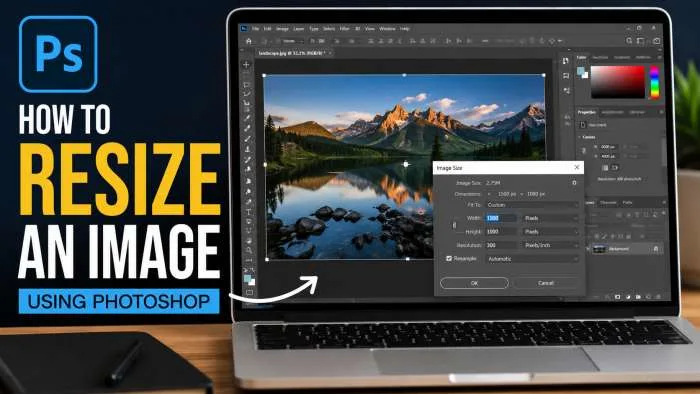
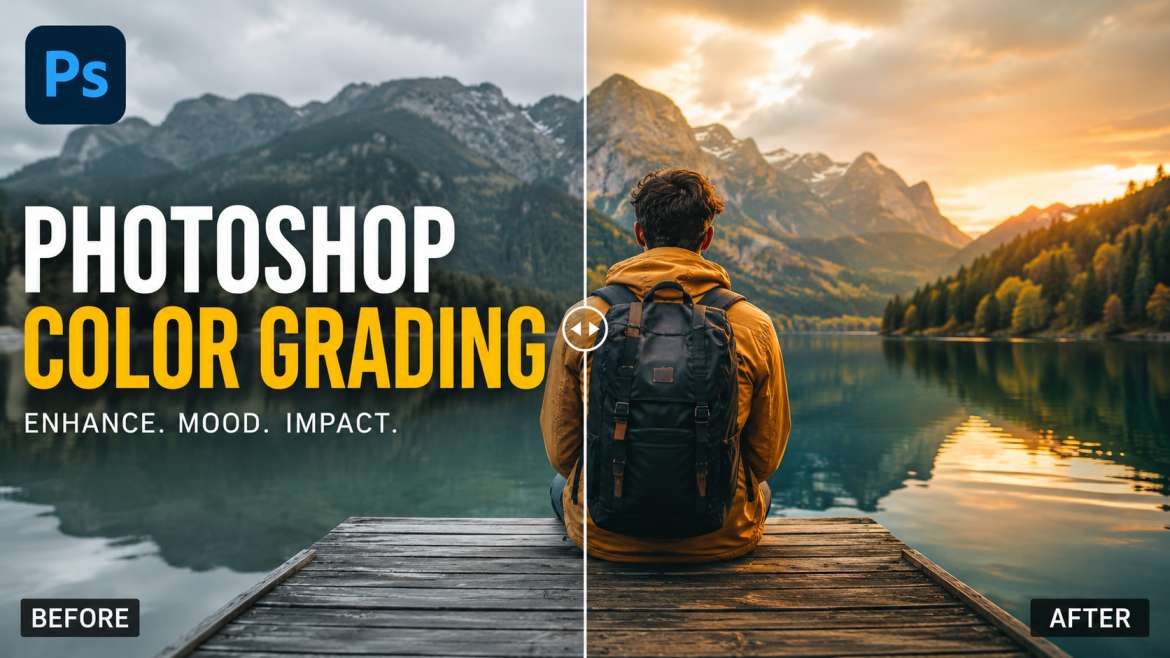
To resize an image in Photoshop: Open your picture in Adobe Photoshop and click the top menu bar. Click on Image, and then choose Image Size from the drop-down menu.